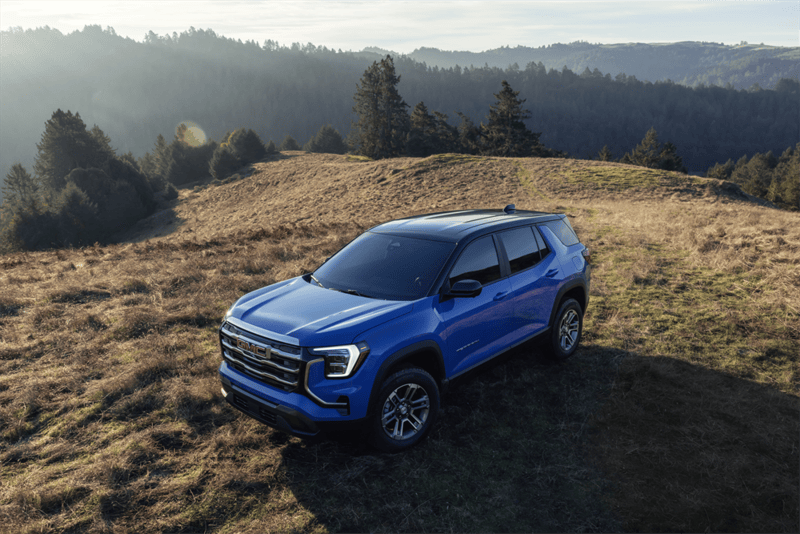



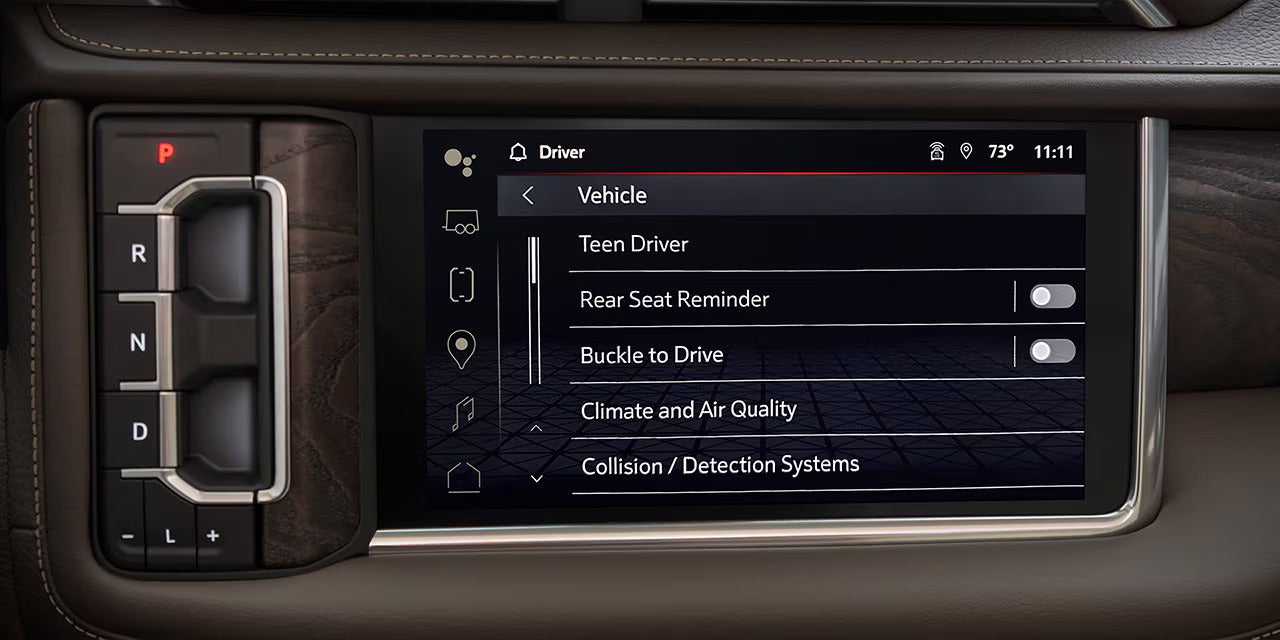
Having your teen get behind the wheel for the first time can be stressful, so it’s never a bad time to explore the GMC Terrain safety features that protect young drivers on the road. Parents can rest easier with the standard Teen Driver controls, including speed and buckle warnings, volume limiters, and report cards for specific feedback. Courtesy of Rick Weaver GMC, here are the top tips for keeping your teen driver safe.
Set Good Driving Habits
One reason why the GMC Terrain Teen Driver feature is so important is that it teaches your kids sensible driving habits. Buckle to Drive can prevent the vehicle from shifting out of Park for 20 seconds if the driver, and on some vehicles the detected front passenger, hasn’t buckled up. Teen Driver can also mute audio until detected front occupants fasten their seat belts. You can also set a Speed Warning between 40 and 75 mph, which provides a warning in the Driver Information Center and an audible chime when the selected speed is exceeded.
Remove Distractions
Parents know to remove any and all distractions when their kid steps behind the wheel. The Teen Driver suite helps with this, letting you set a volume limit for the radio and paired devices. You should also set firm rules with your teen about keeping their phone put away while they’re behind the wheel, and only using it in case of emergency.
Check Your Report Card
You don’t have to worry about missing any issues with how your kids drive with the GMC Terrain. Its In-Vehicle Report Card feature analyzes performance safety data in real-time, including excessive speed or if safety systems were triggered. You can access this Report Card at any time to check on your teen’s progress.
Explore GMC Terrain Safety Features in Erie, PA
These GMC Terrain features can help encourage your teen to develop safer, more responsible driving habits. To learn more, contact Rick Weaver GMC to explore these features firsthand.